Content Strategy
Data-driven content planning with GSC analytics, quadrant analysis, and action tracking.
What it does
Key features
GSC Data Integration
Import Google Search Console data, track impressions, clicks, CTR, and position across cycles for data-driven decisions.
01Quadrant Classification
Auto-classify keywords as stars, quick-wins, CTR-opportunities, or long-term targets for targeted optimization.
02Content Hub Architecture
Organize articles into pillar/cluster hubs with progress tracking, keyword coverage, and internal linking analysis.
03Action Tracking
Log optimization actions with before/after metrics, expected outcomes, and priority levels across content cycles.
04See it in action
Here's what Content Strategy looks like in the Campshell app.
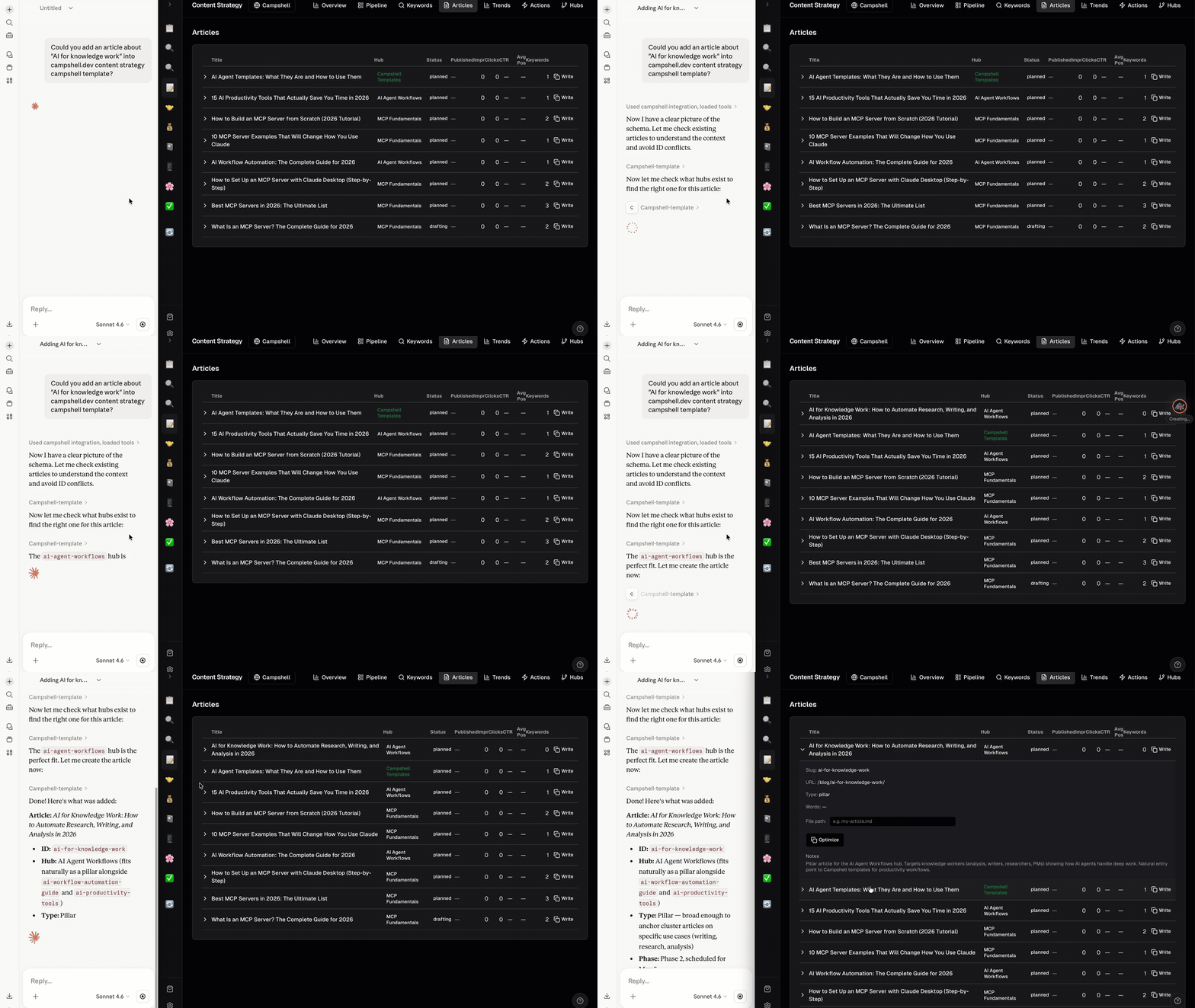
Try talking to your AI
Just say what you need. Your agent reads and writes Content Strategy data for you.
Under the hood
Your data lives as plain JSON files on your machine. No cloud, no lock-in.
.campshell/content-strategy/
├── manifest.json
├── skill.md
├── articles/
│   ├── article-001.json
│   └── article-002.json
├── keywords/
│   ├── kw-001.json
│   └── kw-002.json
├── cycles/
│   └── cycle-001.json
├── actions/
│   └── action-001.json
└── schema/
└── article.schema.json {
"id": "article-001",
"title": "Getting Started with AI Tools",
"slug": "getting-started-ai-tools",
"status": "published",
"contentType": "pillar",
"hubId": "ai-tools",
"primaryKeyword": "ai tools guide",
"wordCount": 3200,
"publishDate": "2026-02-15",
... Works great with
SEO Tracker
Keyword tracking, backlink analysis, and technical SEO monitoring — operated by your AI.
Social Media
Multi-platform content calendar with campaigns, analytics, and AI-powered scheduling.
Brain Vault
A connected knowledge base for notes, meetings, books, and research — operated by your AI.